
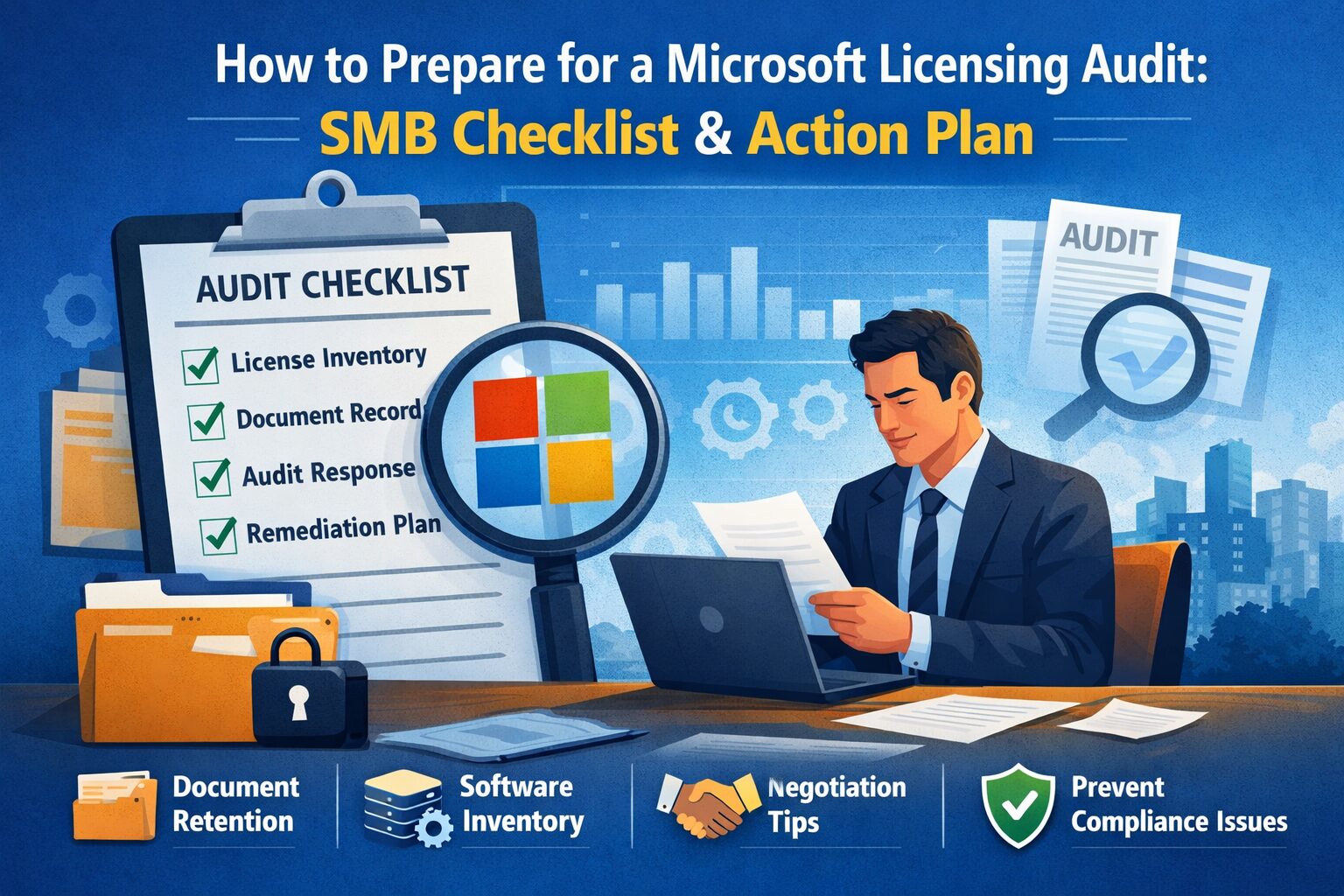
How to Prepare for a Microsoft Licensing Audit: SMB Checklist and Action Plan
Quick checklist — what this article will deliver:
– Define the audit process and set realistic expectations so SMBs can prepare calmly.
– Provide a step-by-step microsoft licensing audit preparation checklist tailored to SMBs.
– Explain document retention for licensing audits, inventory software licenses guide, and evidence practices.
– Give a microsoft licensing audit response template plus negotiation and remediation tips.
– Recommend prevention strategies to prevent future licensing compliance issues and build governance.
Introduction — Why Preparation Matters
If your small or medium-sized business receives a licensing audit notice from Microsoft or a reseller, the first reaction is often worry. But calm, organized preparation reduces cost, shortens the process, and lowers operational disruption. This guide explains what to expect during a microsoft audit, shows a clear microsoft licensing audit preparation checklist, and gives practical templates and negotiation techniques to protect your business.
What to expect during a microsoft audit
- Common triggers and audit scope for SMBs:
- License mismatches discovered during a reseller review or routine vendor account review.
- Changes in virtualization, cloud adoption (Microsoft 365 / Azure), or mergers and acquisitions.
- Random or targeted Software Asset Management (SAM) reviews initiated by Microsoft or authorized partners.
- Typical timeline and parties involved:
- Initial notice from Microsoft, a reseller, or an authorized SAM vendor.
- SMB has standard response windows (commonly 30 days for initial reply; extensions possible by request).
- Audit may include remote discovery, interviews, and documentation requests. Parties: your internal team, the reseller, Microsoft licensing auditor, and possibly a third-party SAM vendor.
Expect the process to last weeks to months depending on scope. Being prepared shortens it considerably.
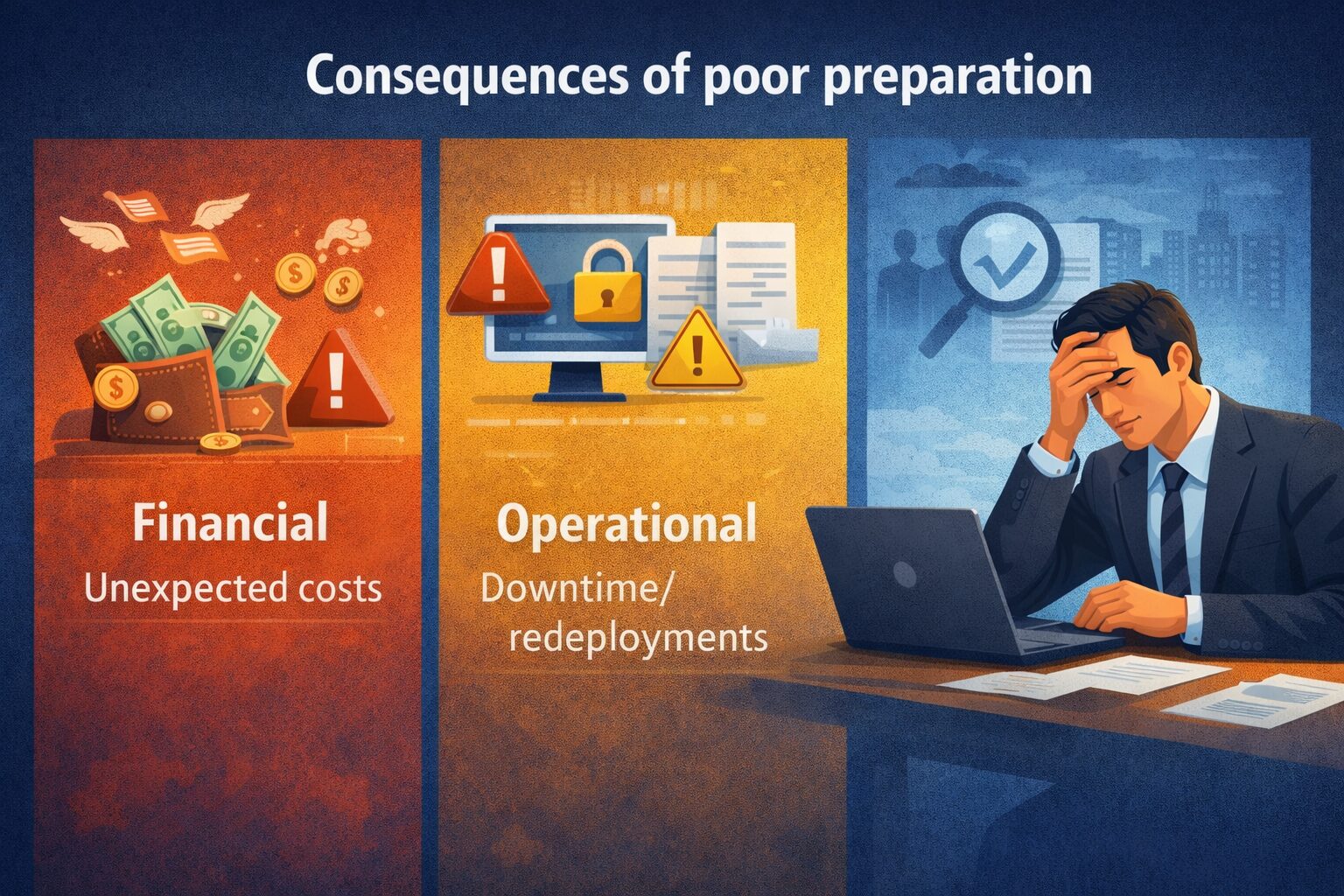
Consequences of poor preparation
- Financial: Unexpected backdated true-up purchases, penalties, and professional fees. Even a small discrepancy in Client Access Licenses (CALs) or virtualization rights can cost thousands.
- Operational: Downtime, forced redeployments, or removal of software until licenses are purchased.
- Reputational: Strained vendor relationships and potential scrutiny during future renewals.
Real-world example:
– A U.K.-based SMB discovered missing CALs during an audit and paid a backdated true-up that exceeded the company’s monthly software budget. Early inventory and documentation would have reduced the penalty and eliminated costly last-minute procurement.
Goals of this article and how to use the checklist
- Provide a step-by-step microsoft licensing audit preparation checklist so SMBs can respond fast and confidently.
- Supply a microsoft licensing audit response template you can adapt for your initial reply.
- Recommend when to involve legal counsel or licensing specialists—typically when exposure is large (>US$25,000), contracts are complex, or contested facts exist.
Section 1: Immediate Steps After Receiving an Audit Notice
Initial intake and assessment
- Confirm legitimacy of the audit notice and identify the requesting party
– Verify email domains and contact details. Microsoft uses official channels; ask for written proof if unsure.
– If contacted by a reseller or SAM vendor, request the authorizing documentation that shows they represent Microsoft. - Create an internal audit response team and assign roles
– Designate a single point of contact (SPOC) for all external communications.
– Assign members for: legal/contract review, IT/inventory, finance/purchasing, and executive sponsor.
– Document roles and responsibilities in writing.
Using a microsoft licensing audit response template
A formal, timely response sets the tone. Key elements to include:
– Acknowledge receipt of the audit notice and confirm the assigned SPOC.
– State the timeframe you will use to gather records and ask for any clarifications on scope.
– List records you have and those you need time to collect.
– Request extension when needed and propose milestones.
Sample structure ideas:
– Header: reference number, date received, SPOC contact.
– Summary: what you will produce and by when.
– Attachments: list of documents already enclosed.
– Next steps: proposed timeline and meeting cadence.
Microsoft Licensing Audit Response Template (SAMPLE)
---------------------------------------------------
Date: [YYYY-MM-DD]
Reference: [Audit reference]

To: [Auditor / Reseller contact]
From: [Company SPOC, contact details]

1. Acknowledgement
   - We received the notice on [date] and assign [SPOC name] as primary contact.

2. Scope understanding
   - We understand the audit scope to include: [e.g., Microsoft 365 tenancy, Windows Server instances, CALs, Azure VMs].

3. Records available (attached)
   - Invoices: [list]
   - License agreements: [list]
   - Inventory exports: [list]

4. Timeline proposal
   - Provide full records by: [date]
   - Request clarification on: [list]

5. Signature
   - [Name, Title]
Customize to reflect your company’s tone and legal posture.
Establishing a communication plan
- Internally: use a single shared folder and a short daily stand-up (10–15 minutes) to track tasks and evidence collection.
- Externally: keep a single point of contact. Use email for records and confirm key decisions in writing.
- Maintain a communication log of dates, attendees, decisions, and submissions to avoid confusion.
Section 2: Build Your Inventory — The Foundation of Defense
Inventory software licenses guide
Accurate inventory is your primary defense. Methods for SMBs:
– Automated discovery tools: Lightweight SAM tools and endpoint management solutions (e.g., Microsoft Endpoint Manager / Intune) can inventory installed software and versions.
– Microsoft Admin portals: For cloud subscriptions, review the Microsoft 365 admin center and Azure portal for active tenants and subscriptions.
– Manual techniques: Export lists from servers, examine active user accounts, and collect installer logs.
LSI terms: software asset management, license entitlements, SAM tools, discovery agents.
Practical tip: Start with the highest-cost or highest-risk software (Windows Server, SQL Server, Microsoft 365 E3/E5, CALs, and virtualization hosts).
Reconciling entitlements vs. installations
- Map purchase records, agreements, and active installations:
- Purchase invoices and license keys = entitlements.
- Installed instances, VMs, and active users = usage.
- Watch common discrepancy areas:
- Virtualization: VMs spun up on hosts may require additional rights.
- CALs: Count users vs. devices; understand per-user vs. per-device licensing.
- Legacy licenses: Old agreements may have different rights (e.g., downgrade rights, SA benefits).
Example approach:
– Create a spreadsheet mapping Product → Entitled quantity → Installed/used quantity → Notes (e.g., shared accounts, inactive users).
Document retention for licensing audits
What records to keep and for how long:
– Keep invoices, purchase orders, licensing agreements, and proof of deployment for at least 3 years, or as specified in contract terms.
– Organize evidence by product and by year: invoices, entitlement certificates, reseller correspondence, deployment logs.
– Secure storage: use encrypted cloud storage with role-based access and audit logs to show chain-of-custody.
Microsoft Licensing Documentation (Official Microsoft Resource):
https://learn.microsoft.com/licensing/
Best practice: Have both digital and, when possible, scanned PDF copies of critical records. Maintain a consistent filename convention and an index file.
Section 3: The microsoft licensing audit preparation checklist (Step-by-step)
Pre-audit evidence collection
Gather the following early:
– Invoices and purchase orders for all Microsoft products.
– License agreements and Reseller Authorization letters.
– Proof of deployment: server inventories, VM lists, tenant subscriptions, screenshots, and logs.
– User lists and access logs for cloud services.
– Third-party reseller records and any transfer documentation.
Validate cloud subscriptions and tenant data:
– Export user and license assignments from the Microsoft 365 admin center.
– For Azure, export subscription billing and resource inventories.
Internal verification and gap analysis
- Run comparisons between entitlements and installations; produce a gap register.
- Quantify potential exposure by estimating cost to remediate each gap (e.g., purchase price for missing CALs or product licenses).
- Prioritize gaps:
- High financial impact: software with high per-license cost or large shortfalls.
- High operational impact: software critical to business operations.
Use a simple risk matrix: Likelihood × Impact to prioritize remediation.
Remediation actions to take before responses
- For minor gaps, consider immediate purchase of missing licenses (document invoices).
- For complex gaps, prepare a remediation plan showing timeline and budget to correct noncompliance.
- Apply temporary changes: disable unused accounts, decommission unused VMs, and remove unnecessary instances that reduce exposure.
- Document all remediation steps and maintain rollback information.
Showing a good-faith effort to resolve issues can weigh favorably during negotiations.
Section 4: During the Audit — Interaction, Documentation, and Negotiation
How to present evidence and respond to requests
- Use the microsoft licensing audit response template to structure submissions.
- Organize deliverables according to the auditor’s scope and label files clearly.
- Set internal deadlines—submit materials early and confirm receipt.
- Request confirmation of document sufficiency to avoid repeated requests.
What to expect during a microsoft audit (day-of and follow-up)
- Day-of activities:
- Interviews with IT and procurement staff.
- Remote or on-site verification of systems.
- Requests for additional exports or clarifications.
- Follow-up:
- Draft audit report with findings.
- Opportunity to respond to findings and provide additional evidence.
- Final outcome: records that match entitlements or a negotiated true-up/resolution.
Typical timelines:
– Initial discovery and evidence collection: 2–4 weeks.
– Verification and remediation negotiations: 2–8 weeks.
– Final closure: dependent on remediation complexity.
Negotiate microsoft audit outcome tips
- Negotiation strategies to reduce fines or reach acceptable settlement terms:
- Be cooperative and transparent—auditors often favor remediation over punitive measures.
- Present documented proof of corrective actions and show timelines.
- Ask for a phased payment plan or credit for existing Software Assurance (SA) or EAs.
- Leverage reseller relationships—resellers often help negotiate better terms.
- When to escalate:
- Engage legal counsel or licensing specialists when exposure is significant, contractual language is contested, or settlement terms seem unreasonable.
- Document all concessions and verbal agreements in writing.
Practical tip: Keep records of every negotiation step—dates, participants, and agreed actions.
Section 5: Post-Audit Actions and Preventing Recurrence
Implementing corrective measures and tracking resolution
- Purchase missing licenses and retain invoices as proof of remediation.
- Adjust deployments: reconfigure VMs, retire unused software, or reassign licenses.
- Update the gap register to “closed” when evidence is available.
- Produce a final audit compliance report for internal stakeholders.
Prevent future licensing compliance issues
- Establish routine inventory cycles: monthly or quarterly checks for SMBs.
- Automate license assignment tracking where possible (e.g., Intune, Azure AD).
- Train procurement and IT staff on license terms—especially CAL counting rules and virtualization rights.
- Schedule periodic internal SAM reviews and document results.
Examples of preventive controls:
– Role-based provisioning to avoid orphaned accounts.
– Automated alerts when license usage exceeds entitlements.
– Contract renewal reminders three months before expiration.
Goal: prevent future licensing compliance issues by making compliance part of routine operations, not an afterthought.
Creating an ongoing licensing governance program
- Define roles: License owner, SAM lead, procurement lead, and executive sponsor.
- Cadence:
- Monthly operational checks.
- Quarterly reconciliation meetings.
- Annual audit readiness review.
- Tools and metrics:
- Use a SAM tool or spreadsheets with version control.
- Track metrics: license utilization rate, number of orphaned licenses, time to remediate gaps.
- Maintain an audit-ready pack: up-to-date entitlements, inventory snapshot, and a log of recent changes.
Investing in governance reduces long-term cost and stress.
Conclusion
Recap of the microsoft licensing audit preparation checklist and key takeaways
- Prepare calmly: validate the notice, assign a SPOC, and set a realistic timeline.
- Build a solid inventory with an inventory software licenses guide approach—use admin portals and discovery tools.
- Keep clear document retention for licensing audits—invoices, agreements, proofs of deployment for at least three years.
- Use the microsoft licensing audit response template to structure communications and evidence.
- Negotiate smartly—document remediation steps, and escalate when necessary with legal or licensing specialists.
- Put governance in place to prevent future licensing compliance issues.
Immediate next steps for SMBs
- Use the microsoft licensing audit response template above to acknowledge and set expectations.
- Run the inventory software licenses guide: export tenant and server inventories now.
- Prioritize remediation for high-impact gaps and document all steps.
Resources and where to get help
- Microsoft Licensing and compliance guidance: Microsoft Licensing and Microsoft documentation.
- SAM standards: ISO/IEC 19770-1 for asset management best practices.
- Industry reports on cloud spend and compliance (useful background): Flexera State of the Cloud Report.
- When to hire help: contact a certified Microsoft partner or a SAM consultant for complex audits or large exposures.
Call-to-action: If you’ve received an audit notice, start by preparing a clear, timely response using the template above, run an inventory export from your Microsoft admin centers, and prioritize a short internal risk review. If exposure looks material, consider contacting a licensing specialist now to reduce cost and legal risk.
Keywords covered: microsoft licensing audit response template, what to expect during a microsoft audit, prevent future licensing compliance issues, microsoft licensing audit preparation checklist, document retention for licensing audits, inventory software licenses guide, negotiate microsoft audit outcome tips.
Sources:
– Microsoft Licensing and Compliance: https://learn.microsoft.com/
– ISO/IEC 19770-1: https://www.iso.org/standard/50004.html
– Flexera, State of the Cloud Report (industry context)