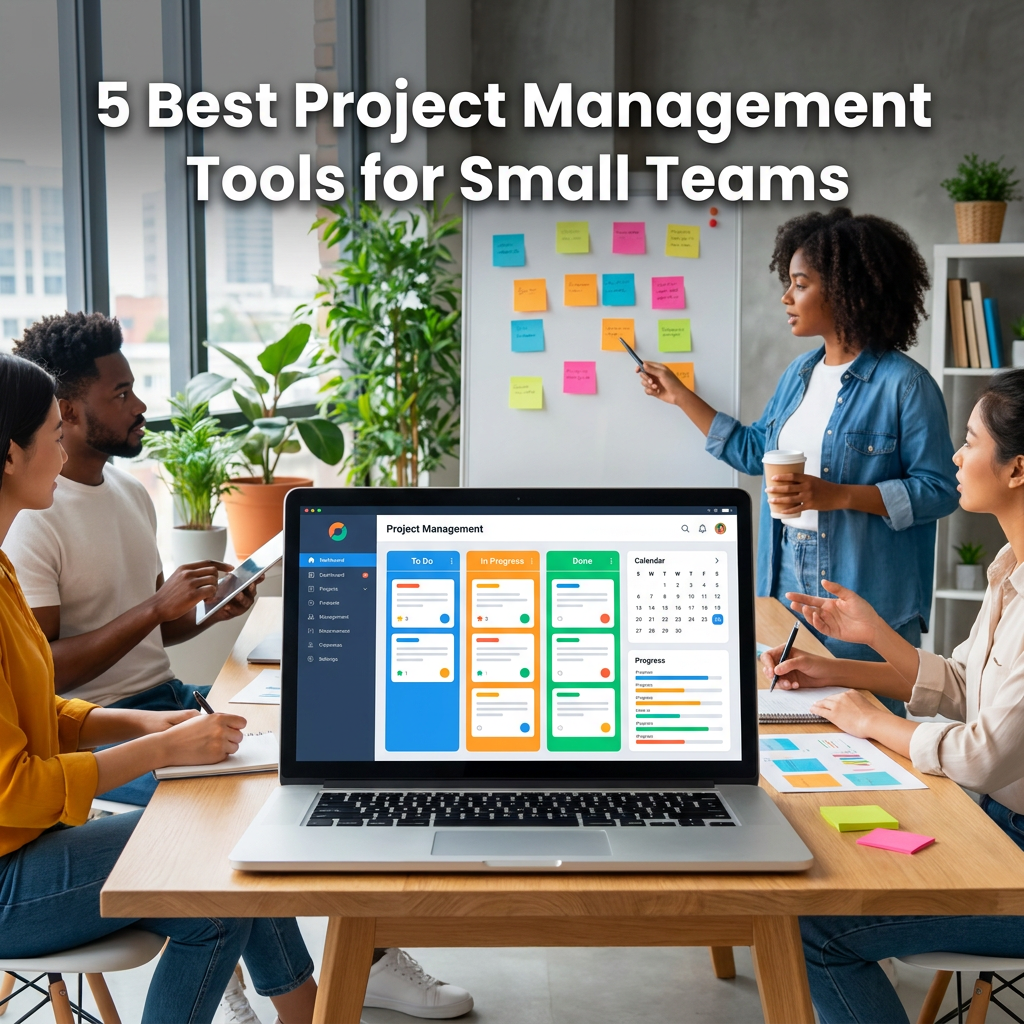
5 Best Project Management Tools for Small Teams
Best Project Management Tools for Small Teams
Effective project management is critical for completing tasks on time and staying within the allocated budget. However, manually doing this can be time-consuming and challenging, especially for small teams. That’s where project management tools come in. Below, we have listed the top 5 project management tools that help small teams work smarter!
5 Project Management Tools for Small Teams
When picking the best project management tools for small teams, you will come across many options such as Monday.com, Zoho Projects, and Workzone. They organize tasks, improve collaboration, and track progress. Here’s a description of each with its key features:
monday.com
monday.com is a visually appealing, user-friendly project management tool that offers extensive customization capabilities. It offers shareable forms for processes such as project initiation, data collection, and approval. You can also use it for expense tracking and to create content calendars so you don’t miss marketing opportunities.
Key Features
- Hundreds of project and task templates
- Compatible with both Android and iOS
- No-code setup makes automation implementation easy
- Entry-level plans for small businesses and teams
- Integrates with other tools like Slack, Jira, GitHub, Trello, and many others
Zoho Projects
Zoho Projects easily lets your small team create, share, and collaborate on projects. It offers you a mix of customizable workflows, incredible time tracking, and a smooth onboarding experience. On top of this, this tool has a Gantt chart that updates automatically when you add a dependency. For complex projects, you can use these project management tools for small teams to outline critical paths to find the most effective order to complete your tasks.
Key Features
- Resource utilization feature to find under- and overworked users
- Built-in virtual meetings tool saves money
- Social style feed to help you keep track of projects
- Include Zoho apps such as Zoho CRM, Zoho Cliq, and Zoho Meeting
Workzone
Workzone is one of the best cloud-hosted project management tools for small teams that has been on the market since 2000. It enables you to divide a project into tasks and subtasks for easy assignment and alignment. If a task gets delayed, it automatically sends alerts to capture attention. Overall, it’s easy to use with custom branding, email alerts, Gantt charts, and automated reports capabilities.
Key Features
- Integration of comments and discussion threads for better team collaboration
- Detailed reporting and analytics on project progress and task completion rate
- Uploading and easy organizing of work-related documents
- User-friendly interface for easy navigation
Quire
If you are looking for something simpler, Quire is another option that follows a hierarchical system. It breaks down big projects into smaller, more manageable tasks, giving you complete control over every aspect. Multiple viewing options, including list view, Kanban style, Scrum, and Agile.
Key Features
- Real-time collaboration enables simultaneous discussion
- Assign specific deadlines to tasks so teams prioritize tasks
- Automate recurring activities to save time
- Integrates with popular platforms like Google Drive, Zapier, Slack, and others
ClickUp
ClickUp is the ideal definition of a one-stop solution with its ability to replace tasks, docs, spreadsheets, goals, time tracking, and team chat. Founded in 2017, it organizes projects in a hierarchy: Workspace > Spaces > Folders > Lists > Tasks > Subtasks. The drag and drop feature quickly lets you add numbers, dates, and formulas.
Key Features
- 15 view types, including List, Kanban, Gantt, Timeline, and Workload
- Sticky notes to create project important points
- Multiple users can add shapes, comment, and draw in real time
- Assign different subtasks to different members with a specific due date
Conclusion
The best project management tools are the ones that take over repetitive tasks and enhance a small team’s efficiency. However, before making a final decision, make sure the tool falls within your budget and comes with active support.