BillingNow Review | Manage Invoices Without Stress
BillingNow Review: Manage Invoices and Payments Without Stress
Dealing with invoices and payments can be pretty stressful for many freelancers and small business owners. It is easy to lose track of who paid, who hasn’t, and which invoices are due. The BillingNow tool lets you manage everything in one place. It makes daily billing simpler and helps you stay on top of your business.
In this BillingNow review, we discuss what this tool is and the top features that set it apart in this competitive market.
What BillingNow Tool Is
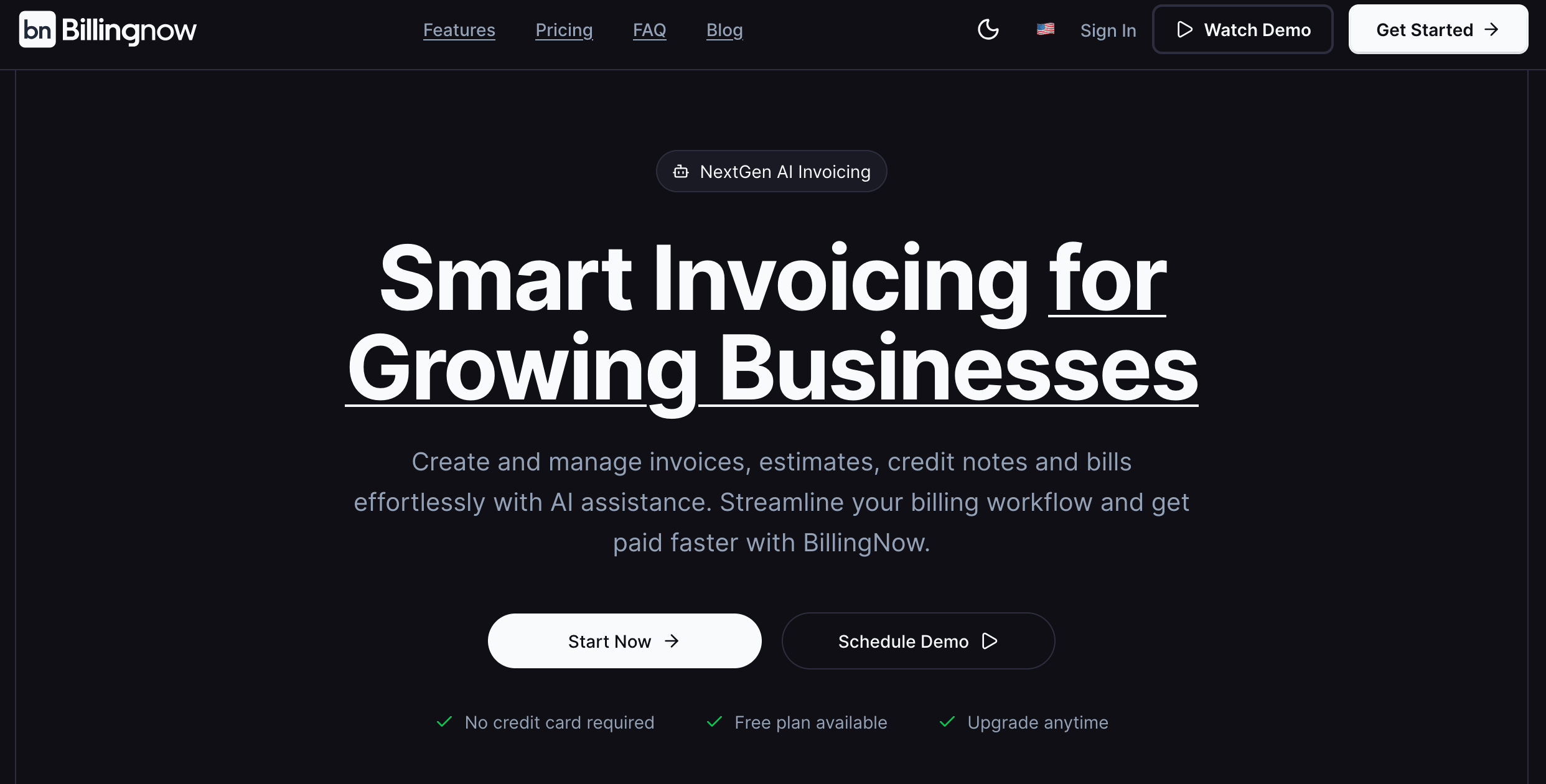
BillingNow is a smart invoicing and billing tool for freelancers, small businesses, and growing teams. It helps you create invoices, estimates, credit notes, and bills quickly, all in one place. You can manage all your clients without going through multiple apps. It also offers AI assistance to make billing faster and more accurate.
BillingNow Review: Who Should Use It
Billing is going to be complicated for professionals who have so much to do at the same time. Using a tool that organizes everything in one place makes billing much easier. The BillingNow review shows that many people can benefit from using this tool:
Freelancers Who Want Easy Invoices
Freelancers can create professional invoices quickly and send them directly to clients. As everything will stay in one place, it will be easy to track payments.
Small Businesses Managing Multiple Clients
Small business owners can handle all client accounts in a single dashboard. This way, they can see any outstanding invoices and keep clients’ records updated. The best part is that small business tax preparation will not be as hard as it might have been before using this tool.
Teams Looking for Faster Billing
Teams can collaborate without confusion. Bills and invoices are easy to find, so there’s less back-and-forth and fewer mistakes.
Businesses That Benefit from AI Assistance
The BillingNow tool has AI assistance that can help record your payments and create your reports in a few seconds. You just need to tell it what you need, and your work will be done quickly.
Anyone Needing Simple Payment Tracking
Cash flow management is usually a big challenge for small business owners and other individuals. Through this tool, payments are quite easy to follow, making cash flow easier to manage.
Top Features of BillingNow Tool
When billing becomes a core part of your life, even small delays can slow everything down. BillingNow review proves that this tool can take that pressure off and help you stay in control while improving your financial planning.
Fast Invoice Creation
Creating invoices is quick and easy. You can fill in client details, add items, and send it right away without getting stuck in long steps or manual work.
Estimates and Quotes
You can prepare estimates or quotes for clients in just a few clicks. Once approved, they can be turned into invoices without starting over, which saves time.
Credit Notes and Adjustments
If something needs to be changed or refunded, credit notes make it simple. The system updates everything for you so your records stay correct.
Recurring Invoices Without Extra Work
For regular clients, you can set up recurring invoices once and let them run. As time passes, invoices start doing themselves, which makes billing much easier to manage.
Is BillingNow Tool Worth the Cost?
BillingNow is worth the cost for many users because it offers affordable pricing with so many features that might not be available in any other single tool. The BillingNow payment system keeps invoices, payments, and records in one place, which saves time and reduces mistakes.
For freelancers and small businesses, it gives good value without feeling too expensive or complicated.
Conclusion
BillingNow keeps your billing work clear and easy to handle as your business grows. This BillingNow review shows how it helps you stay on top of payments without extra effort. If you want a simpler way to manage invoices, try BillingNow and see how it fits your workflow.